

Abandoned cart vs abandoned checkout: what's the difference?
An abandoned cart has items but no contact details; an abandoned checkout has the shopper's email or phone. Only checkouts can be followed up, which is why they hold most recoverable revenue.
Last updated
See what your own store leaves in checkouts. Free, about a minute, no install.
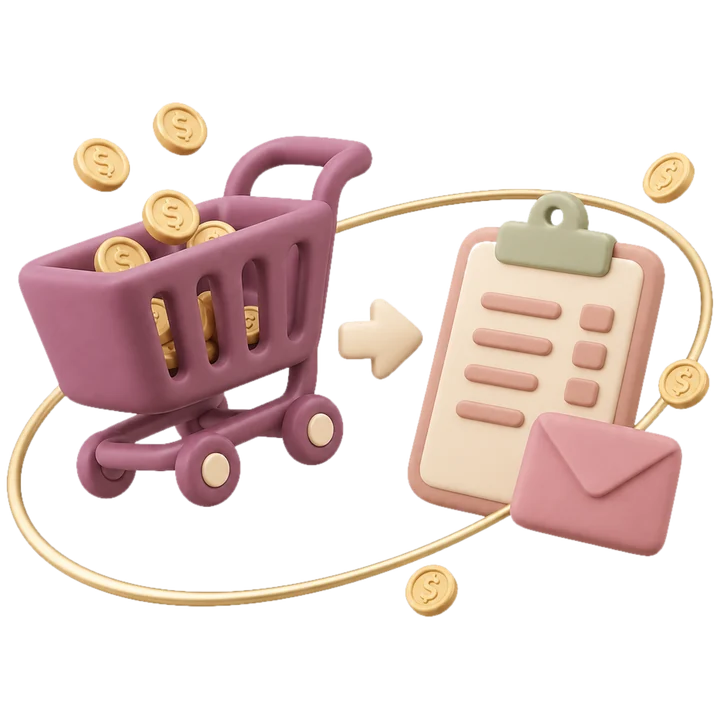
Where Shopify draws the line
Shopify creates an abandoned checkout once the shopper enters contact information at checkout. Before that, the cart lives only in their browser.
What that means for recovery
On-site tools (chat, exit offers) are the only way to reach cart-stage shoppers. Follow-up by email, text or phone needs a checkout, plus marketing consent for that channel.
Getting more carts to checkout
Answer questions on the product page and in chat, show shipping costs early, and make guest checkout easy.
Questions
Can you email an abandoned cart?
Only if the shopper is logged in or left an email somewhere you're allowed to use.
Which is bigger?
Carts are more numerous; checkouts are more recoverable.
Does Recover handle both?
It follows up on checkouts; chat is rolling out for the cart stage.
Related
Your next order is already in a cart.
Connect your store and pay only on recovered orders, or book a call and we'll walk through your store's carts with you.